> For the complete documentation index, see [llms.txt](https://iptvlive.gitbook.io/iptvlive/llms.txt). Markdown versions of documentation pages are available by appending `.md` to page URLs; this page is available as [Markdown](https://iptvlive.gitbook.io/iptvlive/iptv-shi-yong-shuo-ming.md).

# IPTV使用说明

### <mark style="color:red;">**✅优先推荐使用直播源：**</mark>[<mark style="color:blue;">https://gh-proxy.org/https://raw.githubusercontent.com/Jsnzkpg/Jsnzkpg/Jsnzkpg/Jsnzkpg1.m3u</mark>](https://gh-proxy.org/https://raw.githubusercontent.com/Jsnzkpg/Jsnzkpg/Jsnzkpg/Jsnzkpg1.m3u)

<mark style="color:red;">**⚠️其他直播源获取点击 ->**</mark> <https://tottixc912.github.io/>

{% content-ref url="/pages/M5YDrVVtR9EPbtNeJqKH" %}
[Instructions（Global iptv sources）](/iptvlive/instructions-global-iptv-sources.md)
{% endcontent-ref %}

### 1、点击首页中间的“添加一个配置”按钮
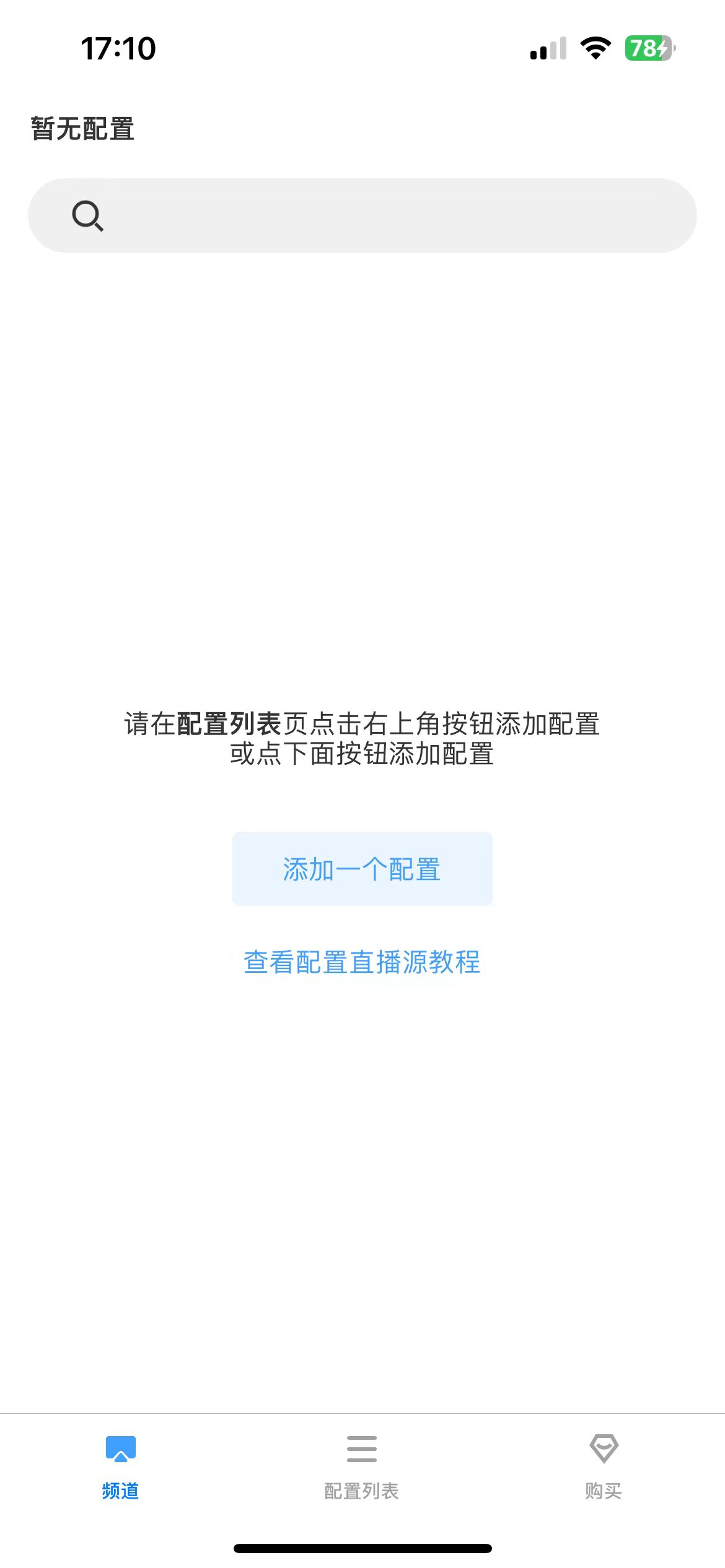
<div data-with-frame="true"><figure><img src="/files/oz4YYtLJLB9XrWjcAPOi" alt="" width="188"><figcaption><p>频道页</p></figcaption></figure></div>

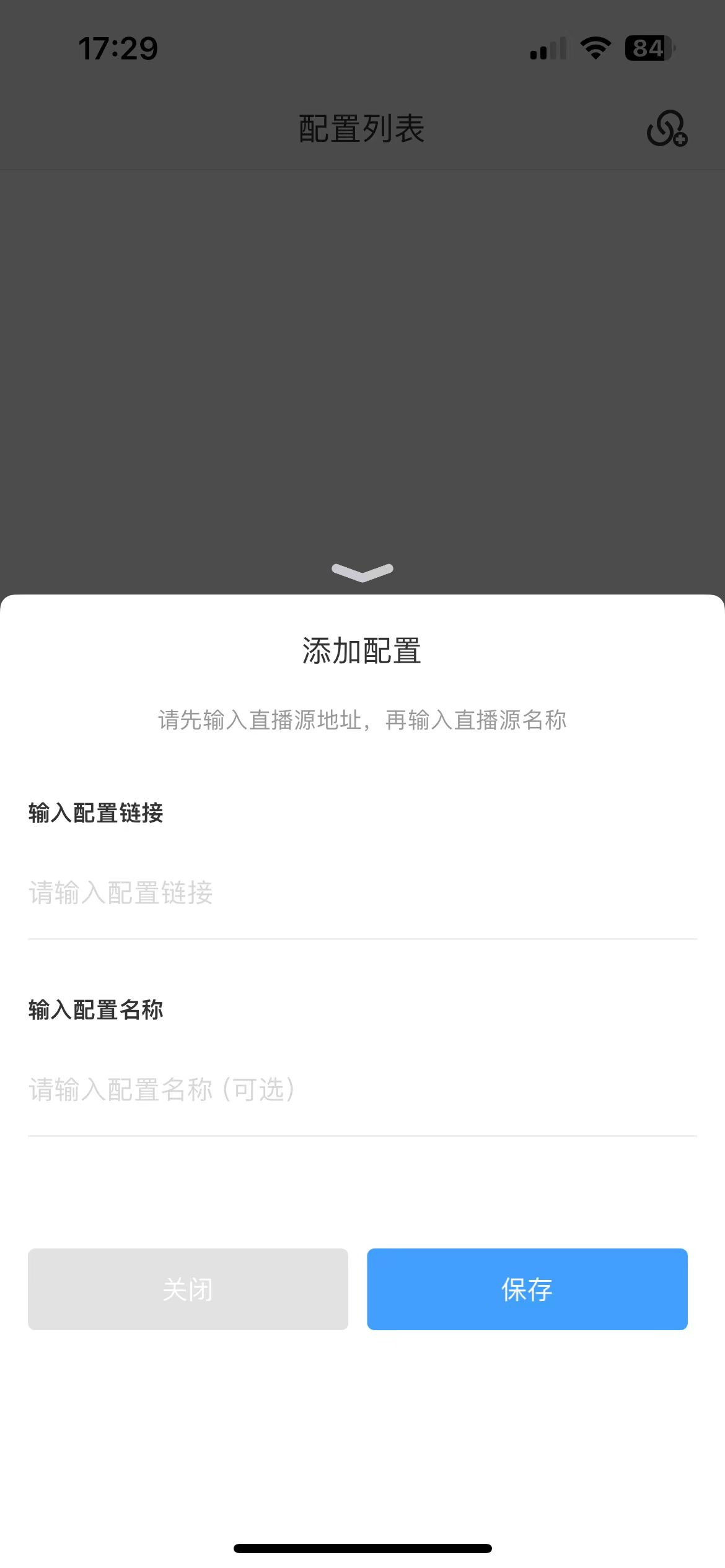
### 2、在添加配置中输入配置链接和配置名称

直接复制粘贴-><https://ghfast.top/raw.githubusercontent.com/TianmuTNT/iptv/main/iptv.m3u>.“输入配置链接”的输入框内，然后点击“保存”即可。

<div data-with-frame="true"><figure><img src="/files/of4SWwshDoLTTuG2zvy0" alt="" width="188"><figcaption><p>配置界面</p></figcaption></figure></div>

### 3、频道播放遇到问题时可以尝试先通过删除源再添加

当你在加载直播源频道时，如果遇到频道未加载或无法播放等问题，都可以通过刷新来尝试解决，如果还无法解决可以尝试删除源再添加。